About · Help
How can we help?
Short, step-by-step answers for using the website: logging volunteer hours, giving, signing up for events, the Sahasranama Yatra and more.
Last updated
No answers match. Try other words, search the whole site, or write to us.
Volunteer hours
Every hour of seva counts. Log it yourself; a volunteer coordinator approves it, and your dashboard keeps the total and a letter you can print.
- Join as a volunteerSign in, open My Profile and choose Sign up as a volunteer. Confirm from the email we send.
- Log your hoursChoose Add hours: the date, start and end time, what you did and your coordinator.
- A coordinator approvesYour entry shows Submitted, then Approved once your coordinator checks it.
- Print your letterIn your dashboard, My volunteer hours: choose the year, then Print or save as PDF.
How do I become a volunteer?
Sign in (or create an account), open My Profile and choose Sign up as a volunteer. We send you an email: open its link to confirm. You can then log hours.
How do I log my hours?
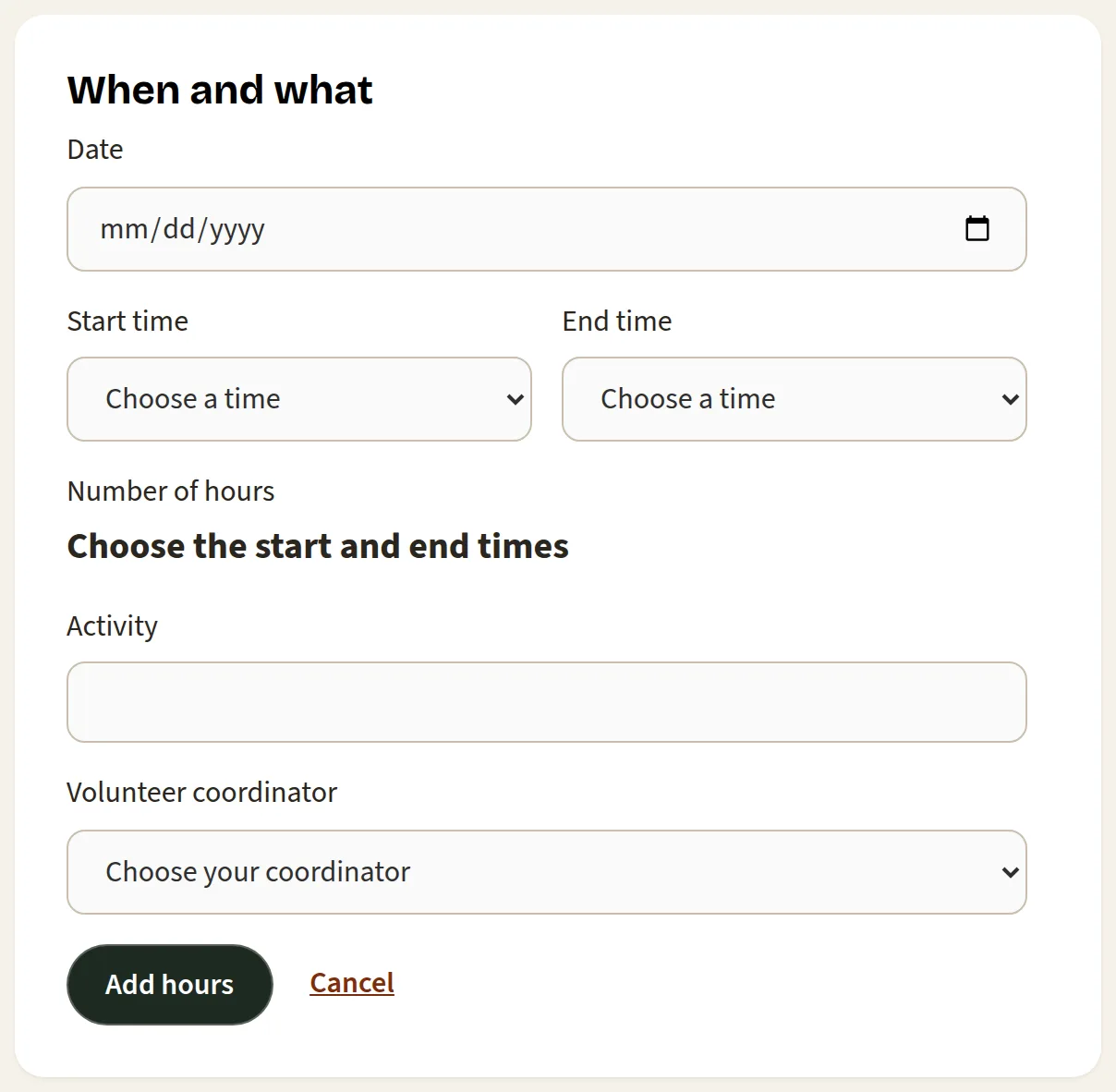
Choose Add hours (also in your dashboard, under My volunteer hours) and fill in:
- the date you volunteered (today or earlier, not a future date),
- your start and end time, in 15-minute steps (the hours are worked out for you),
- what you did, and
- the volunteer coordinator you worked with.
Log each day separately.
My entry still says Submitted
A volunteer coordinator approves entries, usually after the event. If it has been a few weeks, ask the coordinator you named on the entry.
I need a letter of my hours for school or work
Your dashboard prints one on the Samaaj's letterhead. Open your dashboard, go to My volunteer hours, choose the year, then Print or save as PDF. Only approved hours count toward the total.
Do my family's hours show on my letter?
No. Volunteer hours stay personal, even in a household. Each volunteer logs and prints their own.
Donations
Ayyappa Samaaj is a 501(c)(3) nonprofit (EIN 45-1061428), so your gift is tax-deductible. Give whichever way suits you.
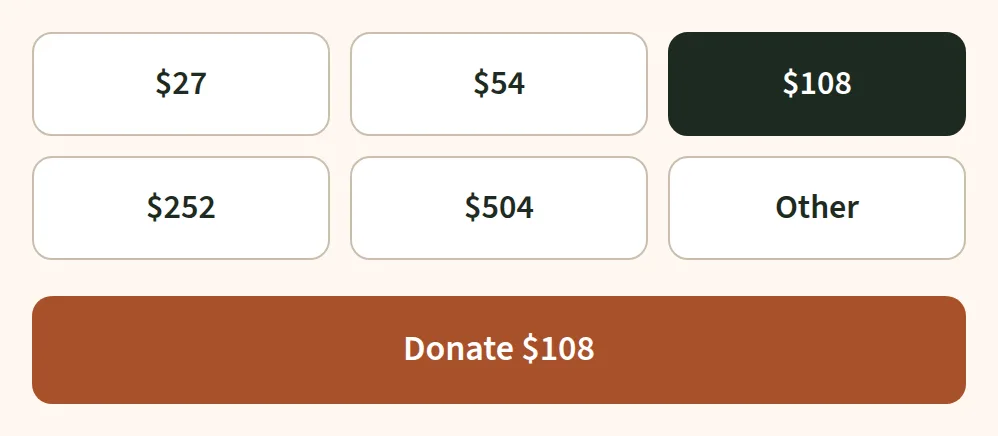
- CardOn the Donate page, pick an amount and pay securely through Stripe. No account needed.
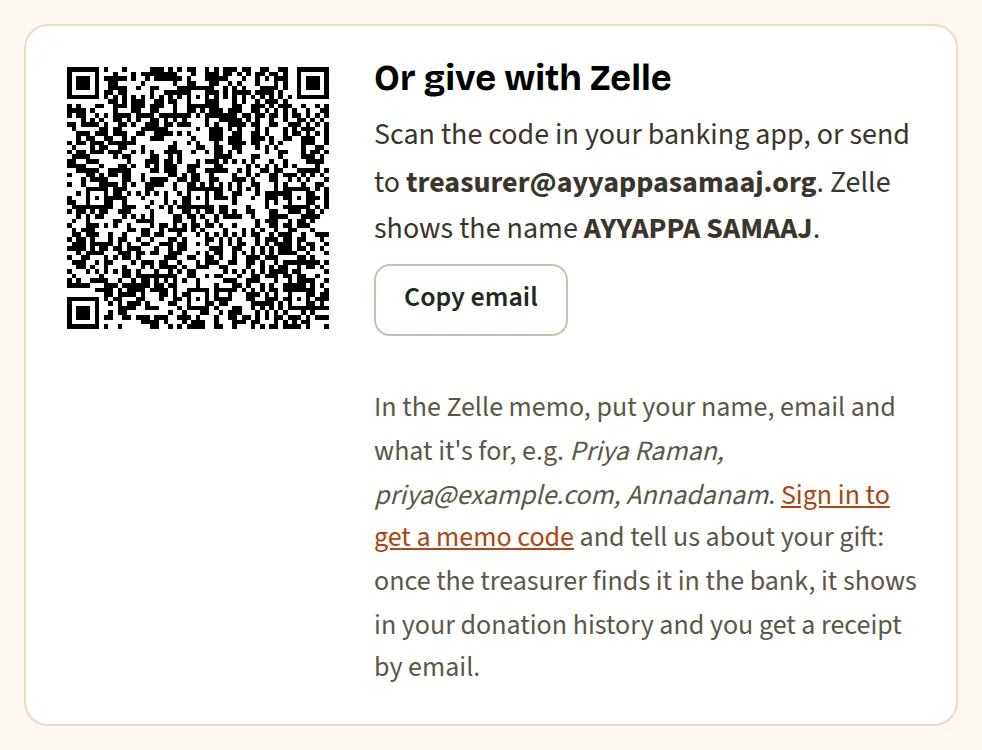
- ZelleSend to treasurer@ayyappasamaaj.org (AYYAPPA SAMAAJ). Signed in, report the gift so the treasurer can match it and send your receipt.
- Check or cashHand it to the treasurer at an event. The treasurer records it and your receipt comes by email.
Where is my receipt?
- Card, signed in: a thank-you email with your receipt arrives right away.
- Zelle, check or cash: the email arrives once the treasurer records the gift.
Every receipt is also in your dashboard, under My donations.
I gave without signing in. Will it show in my account?
Yes, once you have an account with the same email address you used to pay, and that address is confirmed. The gift then counts in your year-end summary. Gave with a different address? Add it to your account under Emails and confirm it.
How do I get a year-end statement for my taxes?
Open your dashboard and choose Year-end summary, then the year. It lists your donations and paid registrations with the tax statement. Choose Print or save as PDF. In a household, you can print it for yourself or for the whole household.
My Zelle gift says “Waiting for the treasurer”
The treasurer checks the bank and confirms reported Zelle gifts by hand, so this can take a few days. Once it is matched, you get the receipt by email. If it says “Not found in the bank”, check the amount and date you reported, or write to us.
Can I give monthly?
Not right now: monthly giving is paused. You are welcome to give again any time.
Will my employer match my gift?
Many employers do. Ask your company's giving program, and give them our name, Ayyappa Samaaj, and our EIN, 45-1061428.
Signing up & registering
You don't need an account to register for an event. Registering makes one for you, so your registrations, receipts and family are in one place next time.
Register for an event
Create an account
- Choose Sign up, or continue with Google.
- Signing up with an email address? Open the link we send to confirm it.
- Already registered for an event? Use Set your password in that confirmation email instead.
I didn't get the confirmation email
Check your spam and promotions folders, and add info@ayyappasamaaj.org to your contacts. Your registration is also listed in your dashboard under My registrations. Still nothing after an hour? Write to us with the event's name.
I pressed Back on the payment page
Nothing was charged, and the registration isn't complete. Fill in the form again when you're ready. Items held for you are released after 30 minutes.
How do I change or cancel a registration?
Email info@ayyappasamaaj.org with the event and the name on the registration, and say what should change. A volunteer will take care of it.
I forgot my password
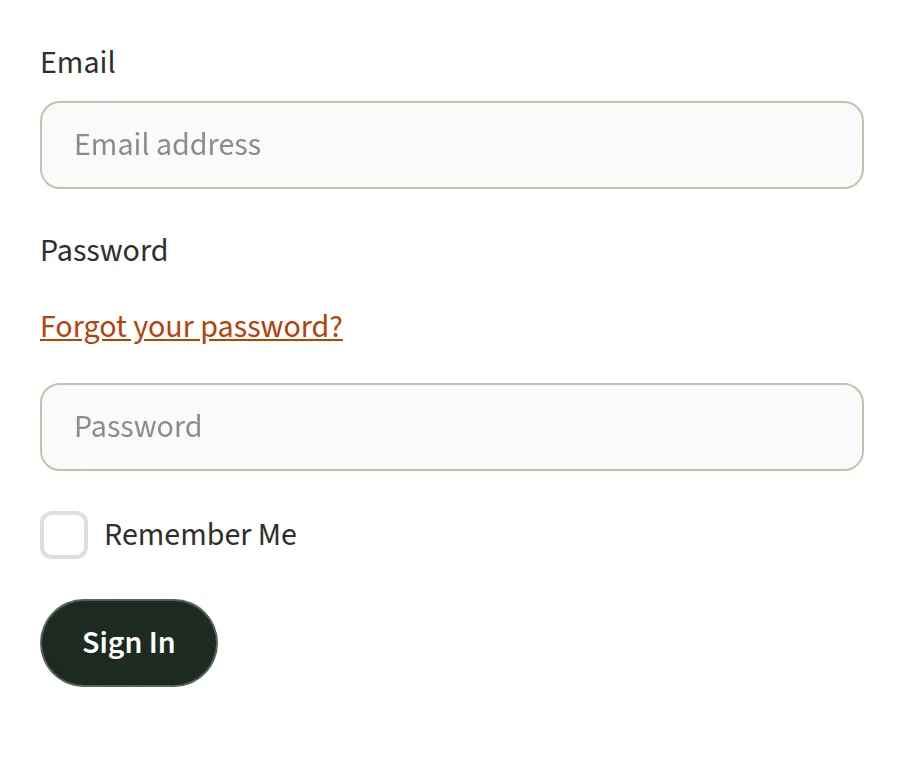
Use Forgot password with the email address you signed up or registered with, and open the link we send. If you signed up with Google, choose Continue with Google instead.
Why am I asked to show I'm not a robot?
Sign-up, contact and registration forms use a quick check to keep spam out. If it keeps failing, try another browser, or turn off a VPN.
Sahasranama Yatra
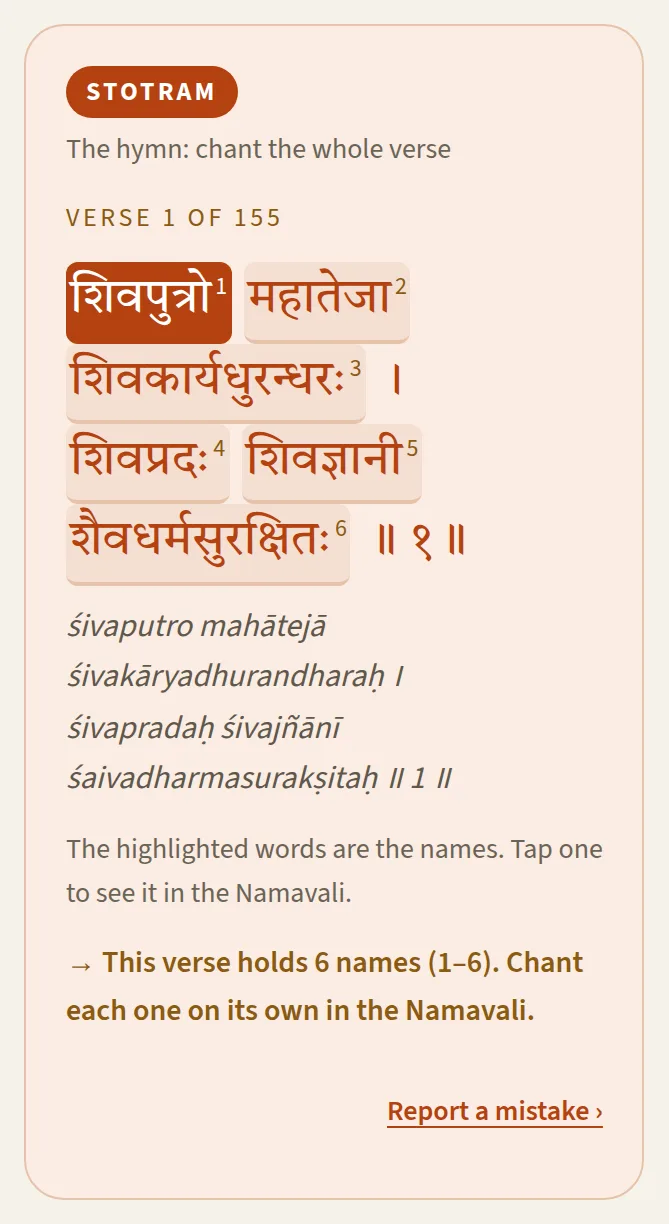
The Dharma Shastha Sahasranamam over 41 days: 4 verses a day, 155 verses in all, a full recitation on Day 40 and Pūrṇāhuti on Day 41.
- BeginChoose Start my yatra and pick your Day 1. A new day opens each day.
- ChantMark each verse Chanted. Chant all four and the day's lamp lights.
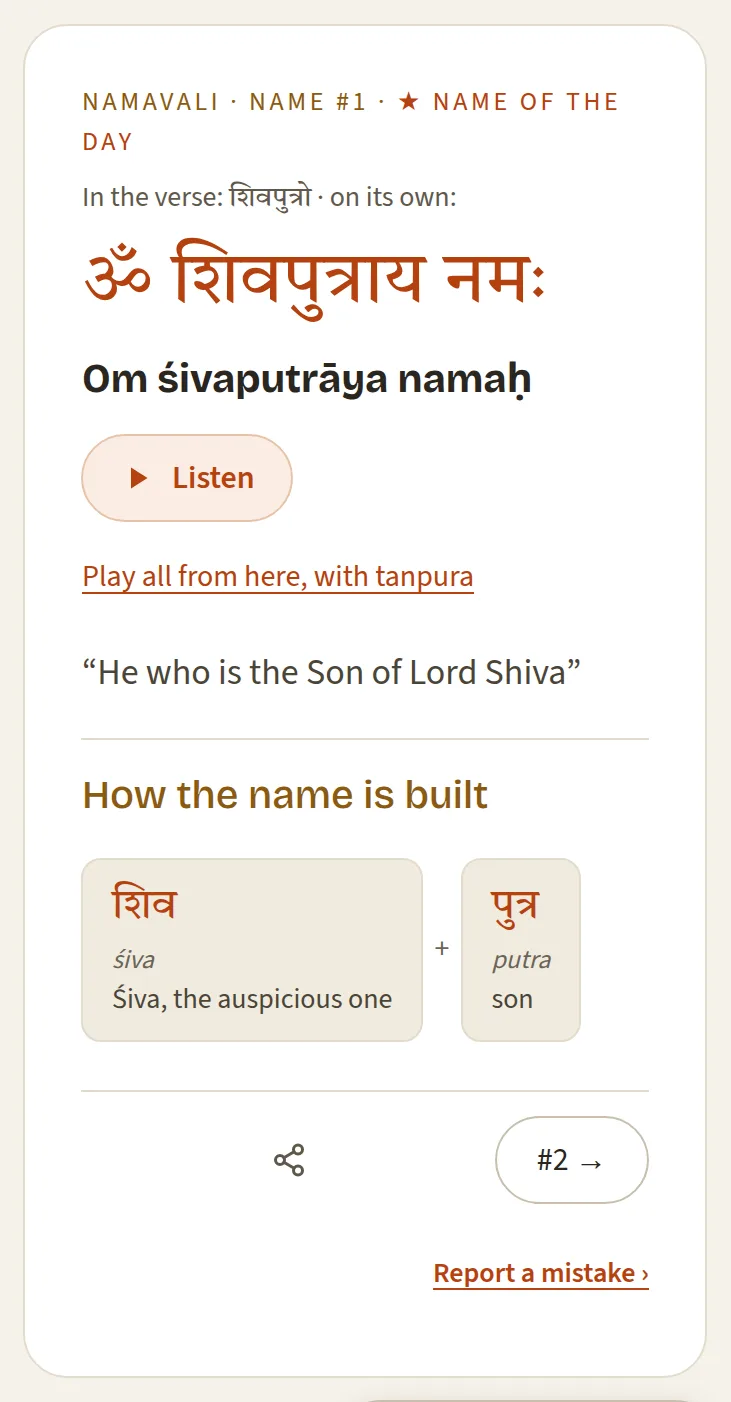
- UnderstandTap a highlighted name for its meaning and how it's built.
- ListenListen plays one name; Play all chants along with you over a tanpura.

Where is my progress saved?
On this device and browser only. You don't need an account, but your start date and the verses you've chanted won't follow you to another phone or computer, and clearing your browser's data erases them. The Tattvamasi app keeps its own progress on your phone.
Can I read it in Tamil, Malayalam or another script?
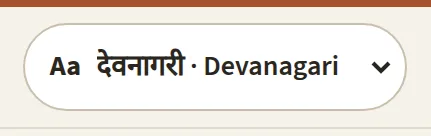
Yes. Choose Aa at the top of the page and pick a script. Languages still being checked show as Coming Soon. Where a meaning isn't translated yet, it shows in English.
How do I listen to the names?
Where a name has a recording, Listen on its card plays it. Play all chants the names one after another over a tanpura drone, with a player bar to pause or stop; it remembers where you stopped, so you can resume. Recordings are being added in batches.
I missed a day
Days you have reached stay open, so you can catch up any time. To move your whole yatra, choose Change your start date at the bottom of the page.
How do I start again?
Choose Start over at the bottom of the page and confirm. It clears your progress on this device.
I found a mistake in a name or meaning
Use Suggest a correction on the page. Our reviewers check every suggestion.
Calendar on your phone
Keep the Samaaj's events in the calendar you already use.
How do I add all our events to my calendar?
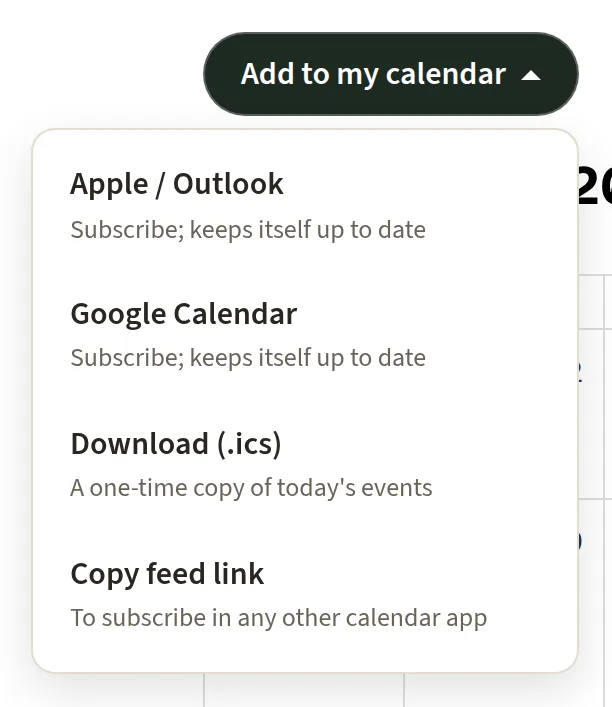
On the Calendar page, choose Add to my calendar, then:
- Apple / Outlook or Google Calendar to subscribe: new and changed events then appear by themselves.
- Copy feed link for any other calendar app.
- Download (.ics) for a one-time copy, which doesn't update.
Can I add just one event?
Yes. Open the event from Events and choose Add to my calendar on its page.
Your dashboard
Signed in, your dashboard brings together your registrations, donations, year-end summary and, for volunteers, your hours.
Where is my dashboard?
Sign in, then choose Dashboard from the menu under your name, or go straight to your dashboard. Links at its top lead to My Profile, My Volunteer Hours and My Donations.
A registration or donation is missing from my dashboard
Your dashboard shows what was made with your account's confirmed email addresses. If you used another address, add it under Emails and confirm it; what was made with it then shows too. Have two accounts? The same page can combine them.
Household
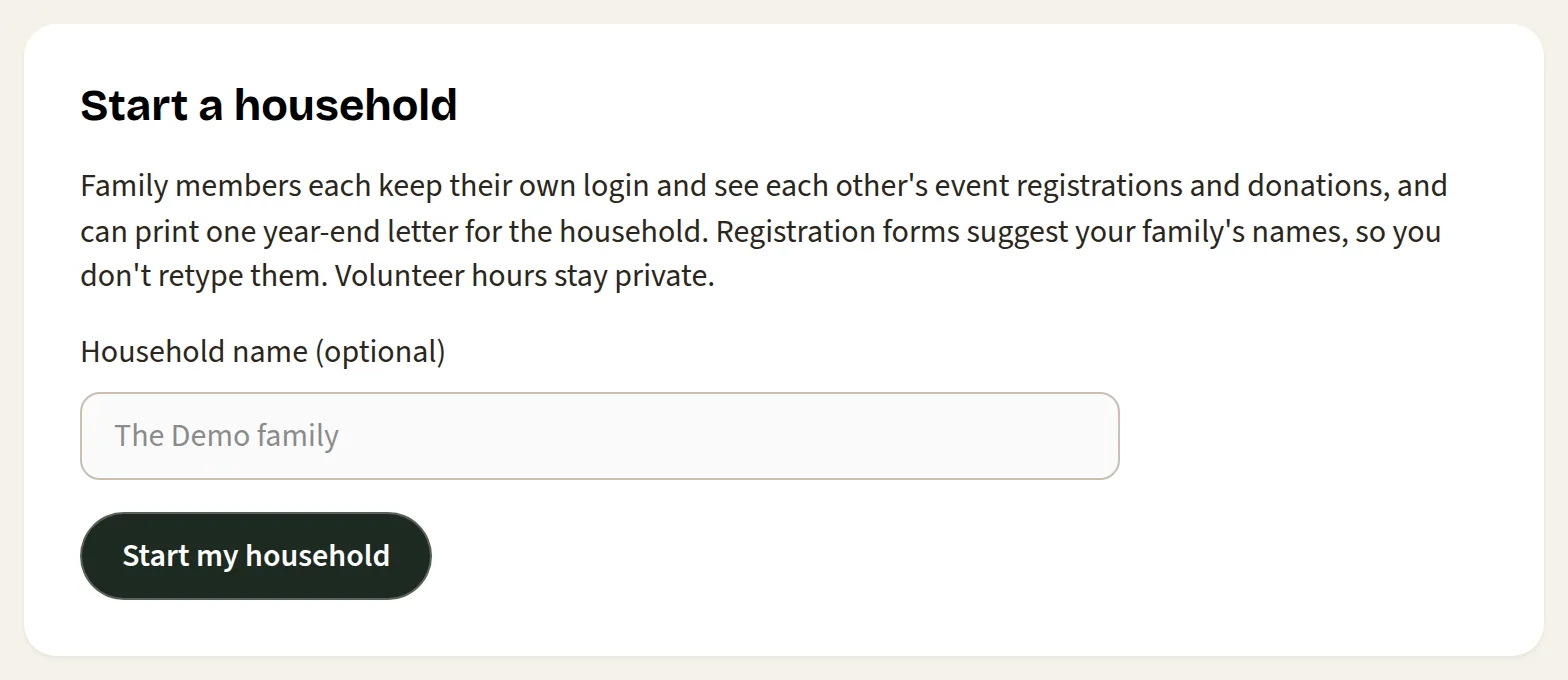
Family members each keep their own login and share their registrations and donations in one household.
How do I add my family?
- Signed in, open My household and choose Start my household.
- Under Invite by email, enter your spouse's or family member's email address. They accept from the link we send, signed in to their own account.
- Children and others without an account go under Add a family member: a name, and a birth year if you like.
People you name on a registration are remembered too, so the next form offers their names.
What does a household share?
- Event registrations: any member's registrations show on every member's dashboard.
- Donations: shared by default, so you can print one year-end letter for the household. Anyone can choose Keep my donations private in My household.
- Volunteer hours: never shared; each volunteer has their own.
How do I leave a household, or remove someone?
Anyone can choose Leave this household in My household. The person who started the household can remove members there too. An account is in one household at a time.
Bhajans & Shlokas
Lyrics for bhajans, shlokas and stotrams in several languages, and bhajan videos.
How do I find a bhajan?
On Bhajans & Shlokas, type any word from its title in the search box, or choose a deity to see all of its bhajans. Each deity's page has a Lyrics tab and a Videos tab. Choose a title to open its lyrics.
Can I read the lyrics in my language?
Choose your language from the language buttons. Titles then open in that language where we have it, and in English where we don't. Your browser remembers the choice.

Can I print or save the lyrics?
Yes, every text is a PDF. To open it in its own tab, where you can print or save it, hold Ctrl (Cmd on a Mac) as you choose the title.
Our emails
Event updates from Ayyappa Samaaj: pujas, bhajans and the Mandalam season.
How do I join the mailing list?
Enter your email in the box at the bottom of any page, or on the Mailing list page. Then open the link in the email we send, within 7 days, to confirm. People who register for our events are added too.

How do I unsubscribe?
Use the unsubscribe link at the bottom of any of our newsletters: one click and you're off the list. Emails about something you did, such as a registration confirmation or a receipt, still come.
Our emails go to spam
Add info@ayyappasamaaj.org to your contacts, and mark one of our emails “Not spam”. Later ones then reach your inbox.
Your data & privacy
How we use your information, and how long we keep it, is in our privacy policy.
Can I see or correct the information you hold about me?
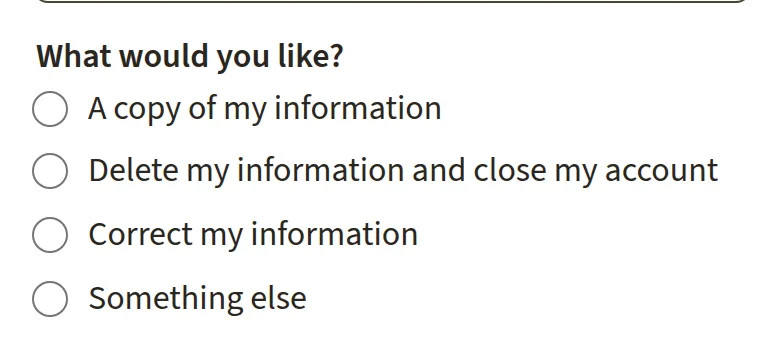
Yes. On the Your data page, ask for a copy or a correction. Confirm the request from the email we send; we answer within 45 days. You can change your name and contact details yourself in My Profile.
How do I delete my information or close my account?
Ask on the Your data page and confirm from the email. Records of donations are kept as long as the law requires for tax purposes; the privacy policy has the details.
Still need help?
Write to us and a volunteer will reply. Tell us the page you were on and what you tried.